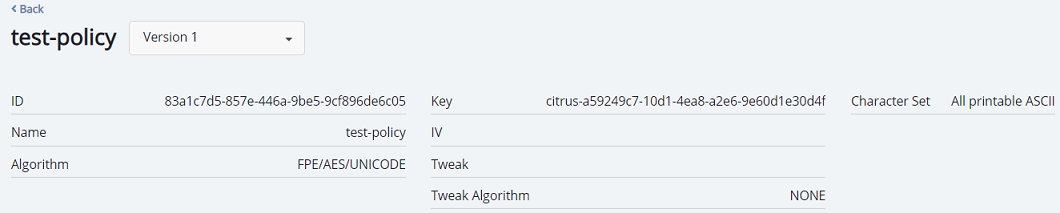
Viewing protection policy
To view protection policy:
Open Application Data Protection.
In the left pane, click Protection Policies. The protection policies list shows the following details:
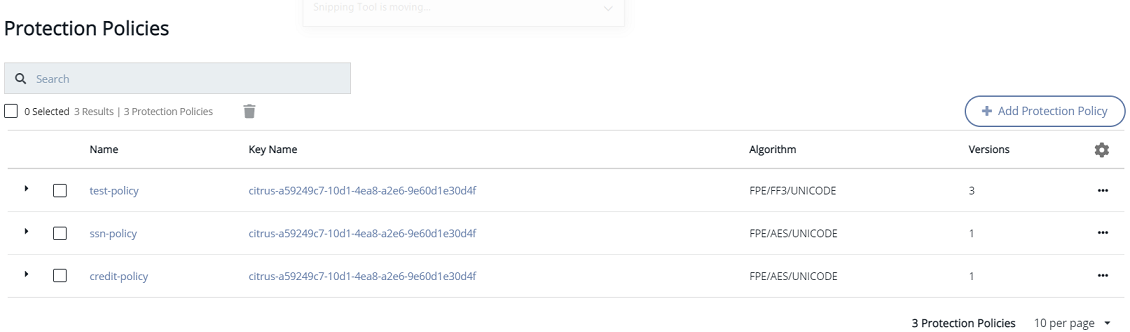
| Column | Description |
|---|---|
| Name | Name of the protection policy. |
| Key Name | Name of the key associated with a protection policy. |
| Algorithm | Name of the algorithm associated with a protection policy. |
| Versions | Version of protection policy. |
Viewing older versions of protection policy
You can view all the versions of a protection policy; however, you can only edit the latest version of a protection policy.
To view older versions of a protection policy:
Open Application Data Protection.
In the left pane, click Protection Policies. The list of protection policies is displayed.
Click the Name link of the protection policy for which you want to view the older versions.
In the mini detail view, the drop-down list next to <policy-name> shows the latest version.
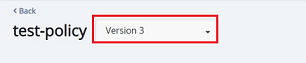
Click the drop-down list, type version. This will display all the available versions.

Click the desired version to view its details in the mini detail view.