



Viewing user set
To view user set:
Open Application Data Protection.
In the left pane, click User Set. The user set list shows the following details:
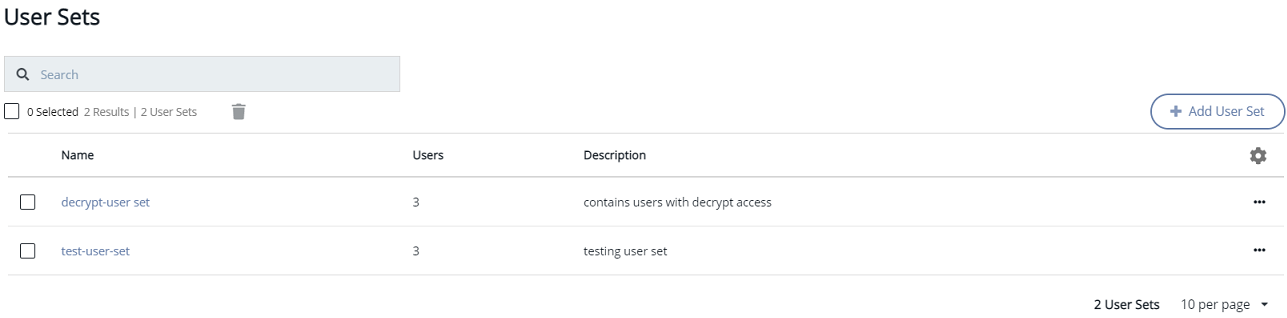
| Column | Description |
|---|---|
| Name | Name of the user set. |
| Users | Name of the users associated with a user set. |
| Description | Description of the user set. |