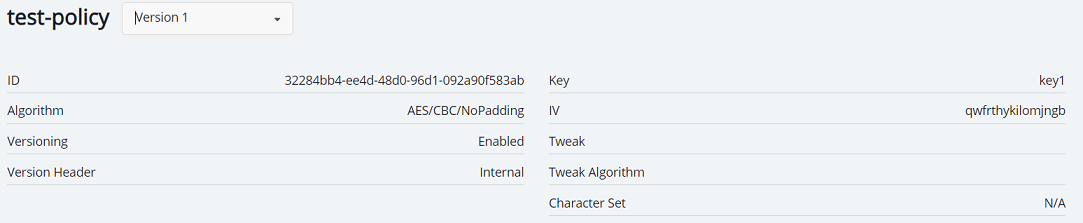
Viewing protection policy
To view protection policy:
-
Open Application Data Protection.
-
In the left pane, click Protection Policies. The protection policies list shows the following details:
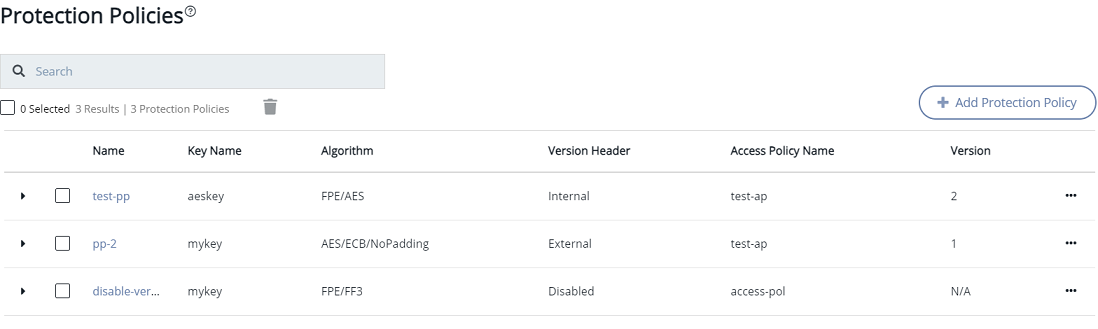
| Column | Description |
|---|---|
| Name | Name of the protection policy. |
| Key Name | Key associated with a protection policy. |
| Algorithm | Algorithm associated with a protection policy. |
| Version Header | Determines the type of versioning linked to the protection policy. Possible options are: — Disable versioning — Internal — External |
| Access Policy Name | Name of the access policy linked to the protection policy. |
| Version | Number of versions created for a protection policy. This field is not applicable for disabled versioning. |
Viewing older versions of protection policy
You can view all the versions of a protection policy; however, you can only edit the latest version of a protection policy.
To view older versions of a protection policy:
-
Open Application Data Protection.
-
In the left pane, click Protection Policies. The list of protection policies is displayed.
-
Click the Name link of the protection policy for which you want to view the older versions.
In the mini detail view, the drop-down list next to <policy-name> shows the latest version.
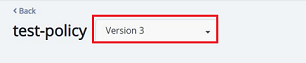
-
Click the drop-down list, type version. This will display all the available versions.
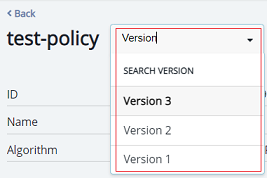
-
Click the desired version to view its details in the mini detail view.