



Installing SafeNet ProtectApp MSSQL EKM Provider
Download and unzip the SafeNet ProtectApp MSSQL EKM Provider.
Double-click the setup to launch the InstallShield Wizard. The Welcome screen appears. Click Next.
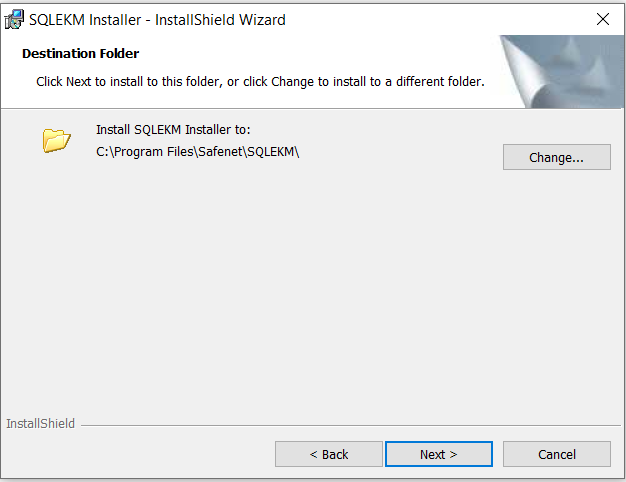
Click Change to select a different location. You can click Next to continue with the default installation directory.
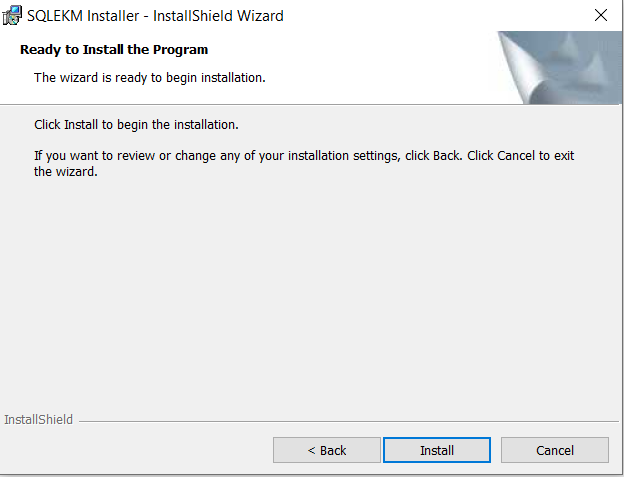
The installer has all of the necessary information. Click Install to begin the installation.
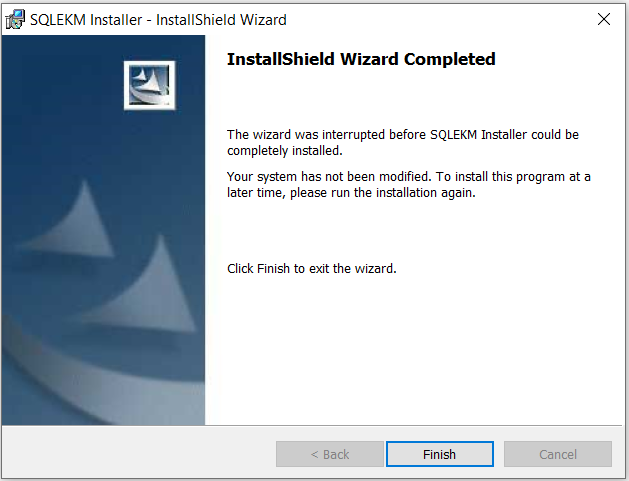
After the files are installed, click Finish to complete the installation.
After installing SafeNet ProtectApp MSSQL EKM Provider, you can configure the:
To uninstall or upgrade SafeNet ProtectApp MSSQL EKM Provider, refer Uninstalling and Upgrading SafeNet ProtectApp MSSQL EKM Provider.

