Integration with CipherTrust Manager
Create a user and key in CipherTrust Manager. This user should have the ability to export the key. This user is provided as an environment variable for the function. The examples provided have the key as a hardcoded value, but this can be easily altered to be provided as an environment variable, obtained from a secrets manager or in the header of the JSON passed in from the API Gateway.
Update the
CADP_for_JAVA.propertiesfile with the CipherTrust Manager settings such as IP/NAE Port and so on. The file is located under the resource’s directory in the Eclipse project.Note
These properties can also be overwritten with CADP code as well if your desire is to pass them in as environment variables or headers of the JSON request.
Example:
System.setProperty("com.ingrian.security.nae.NAE_IP.1", "10.20.1.9");
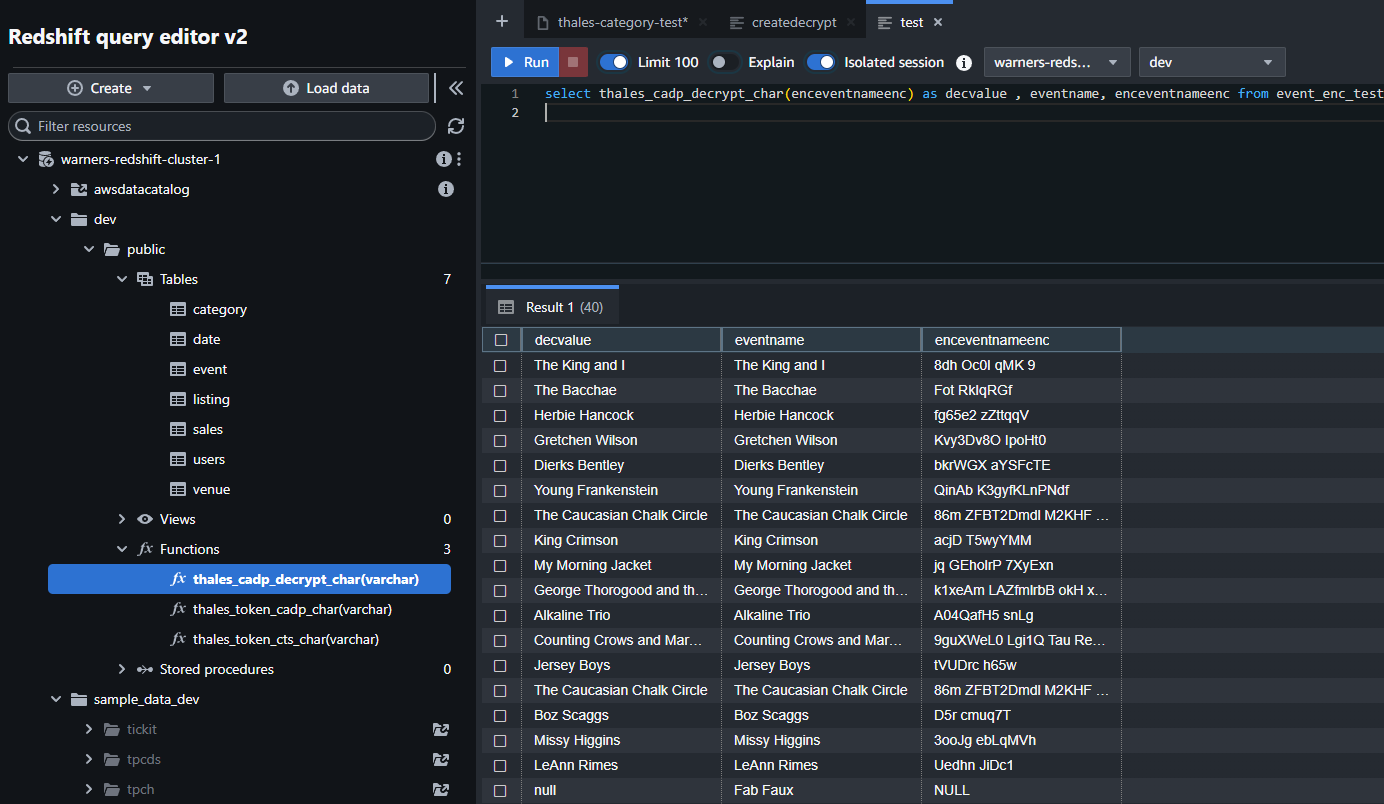
When all the above steps are performed, you should see your UDFs in AWS Redshift under Routines in the UI. Here is a sample query using one of the UDFs.
Sample Query:
select THALES_CADP_GCP_ENCRYPT_NBR(emp_id) as EMPENC, emp_id from emp_big limit 5
Results: