Appendix
Troubleshooting
| Issue | Error Message | Remediation |
|---|---|---|
| CipherTrust Manager is not configured correctly | The following error message is displayed in Status of DD CLI - Offline: ** CipherTrust Manager is not configured correctly. | Check that the network is connected and needed port open. Check all the fields carefully. See the troubleshooting section with DD GUI as well. |
| Unable to get CipherTrust Manager keys | The following error message is displayed in Status of DD CLI - Offline: **Unable to get CipherTrust Manager keys | In CipherTrust Manager see if the key is created. Make sure it is owned by the right user (CN in Client certificate) and make sure it has the required customer key metadata – application_data. Refer to Create new user in CipherTrust Manager for Data Domain and Create key including application_data for key-class attributes. |
| Key Manager Disabled | The status of Key Manager shows Disabled in the DD CLI | You need to enable the key manager - sysadmin@ip-172-30-1-110# filesys encryption key-manager enable. Next, restart the file system. |
Possible Errors and Handling
CipherTrust Manager not reachable from the Data Domain
When configuring DD, if you see the below error of not reachable key manager
Error Screenshot:
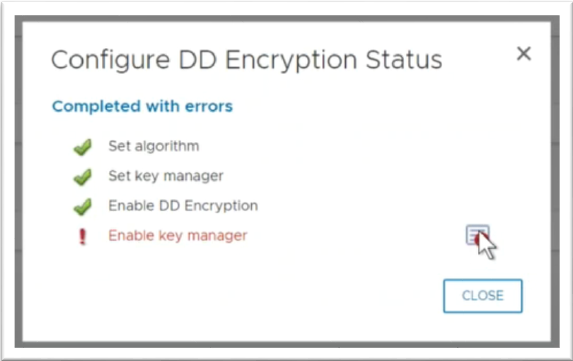
In the details:
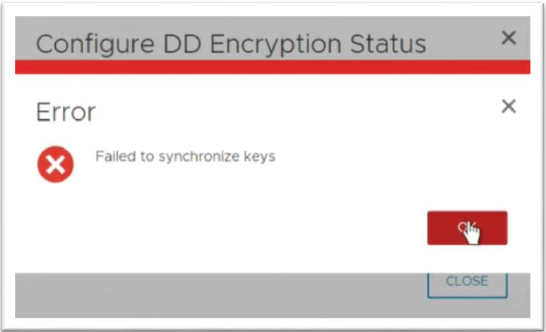
Start by checking the logs(records) in CipherTrust Manager.
If there is no incoming communication from Data Domain, then it’s probably a network problem. Check the network connectivity and the KMIP port (by default 5695) is open on your firewall/security rules.
If the incoming connection is visible in records, then there can be a configuration mistake and CLI access to DD is necessary. For more information see, Configure Data Domain Using CLI.
- Verify that the key class in DD is the same as the
application_datain key configuration of CipherTrust Manager. - Verify that the user name is the same on following places:
Note
Remember, it has to be the same as the CN in the DD client certificate. In this case the value was
ip-172-30-1-110…HSMLab.local.The value of CN in the client certificate of DD (can be seen in DD under managed certificates or in the signed certificates in CipherTrust Manager).
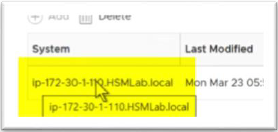
Or DD CLI – execute:
filesys encryption key-manager show
You can also verify this in the CipherTrust Manager Records line where DD connects to CipherTrust Manager -> Details -> username.
- The user in CipherTrust Manager created for DD in CipherTrust Manager (also check that it has key permissions)
The key owner is the same user in CipherTrust Manager (key Edit -> key owner section above groups)
Data Domain key manager configuration – User field. At this moment, you are probably not allowed to see this information from the GUI. You will need to use DD CLI and execute: "filesys encryption key-manager show".
- Verify that the key class in DD is the same as the
CipherTrust Manager not configured correctly message
If there is a problem with connectivity (negative test or removing access to CipherTrust Manager) or if there is a problem with configuration, you will see the message CipherTrust Manager not configured correctly:
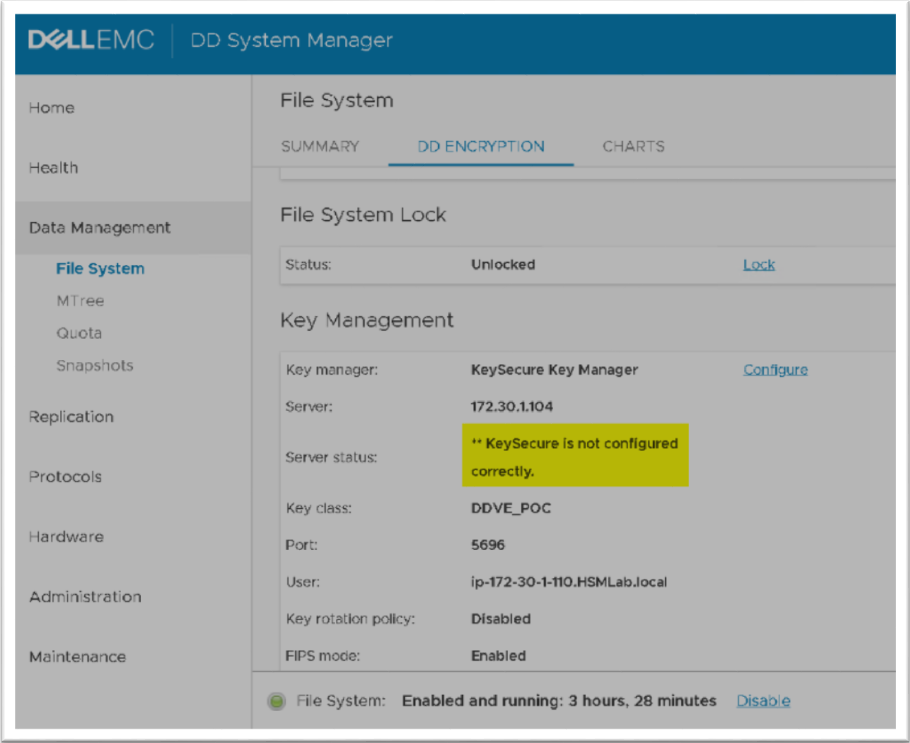
See steps for the troubleshooting above. For more information see, Configure Data Domain Using CLI.
Review the following:
- CipherTrust Manager is up and running
- The network connection from DD to CipherTrust Manager is open
- The configuration is still aligned
Filesystem is not encrypted
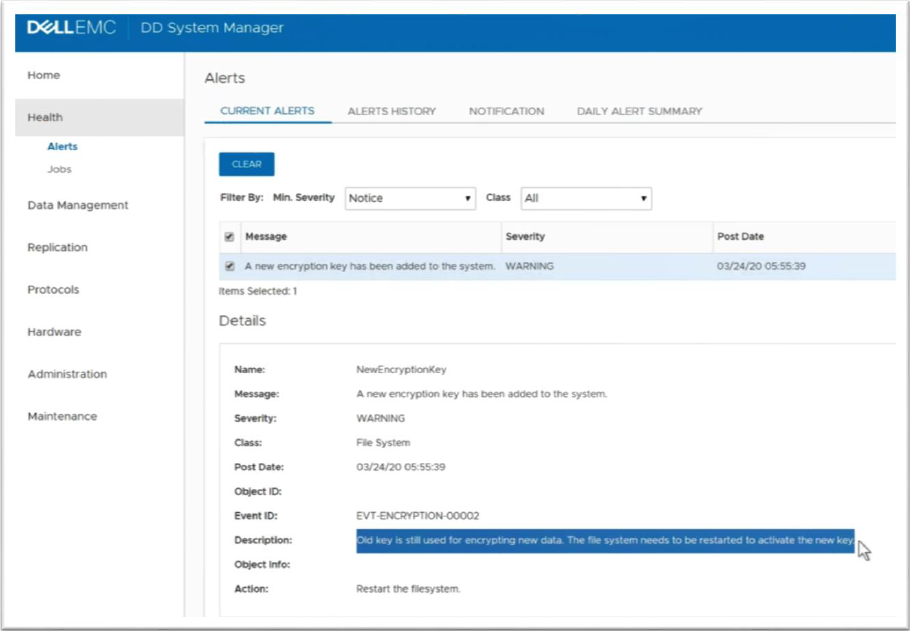
Encryption failed as the file system needs to be restarted to activate the new key.
See below the possible indications that the filesystem needs restarting. In DD, you might see the following in Health -> Alerts: